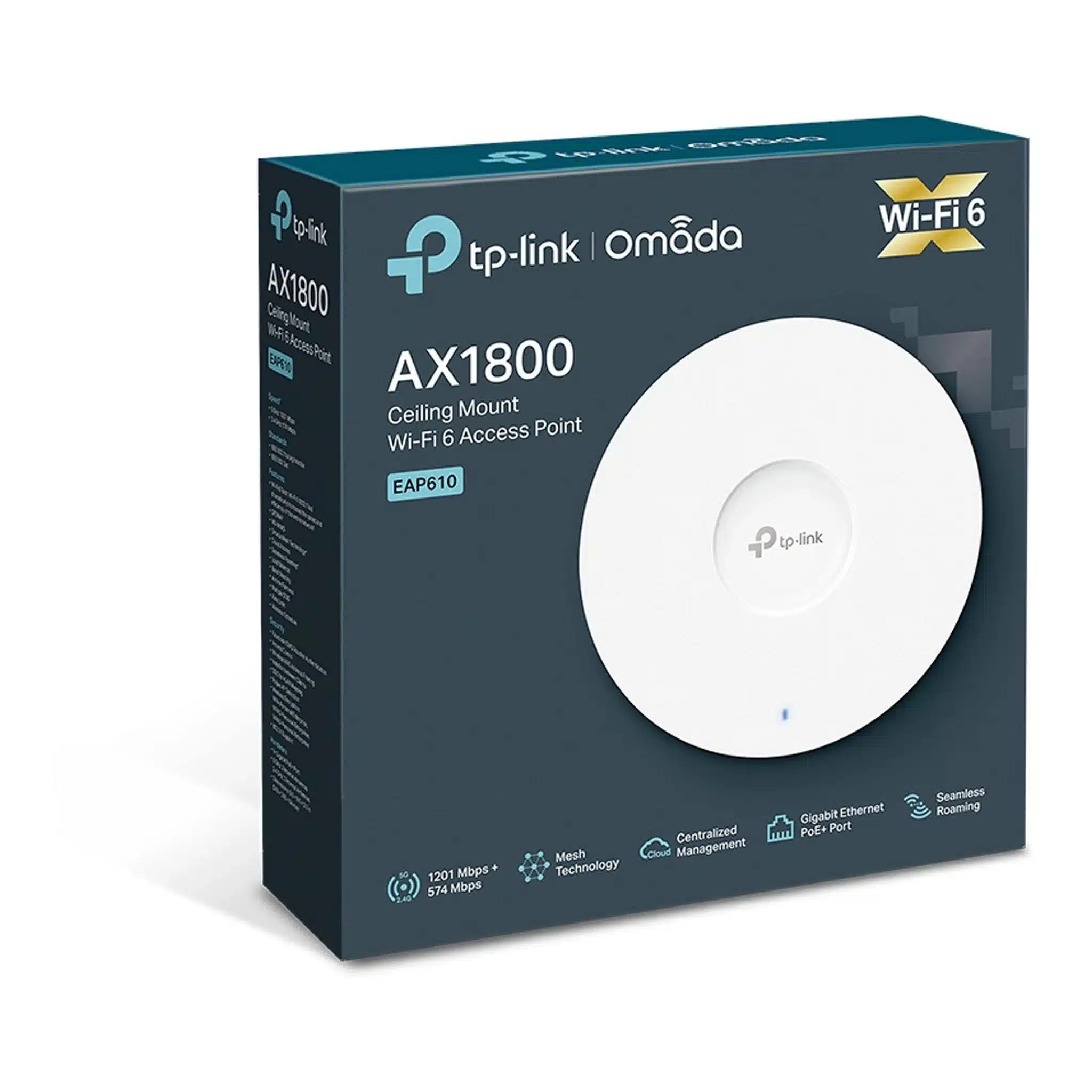
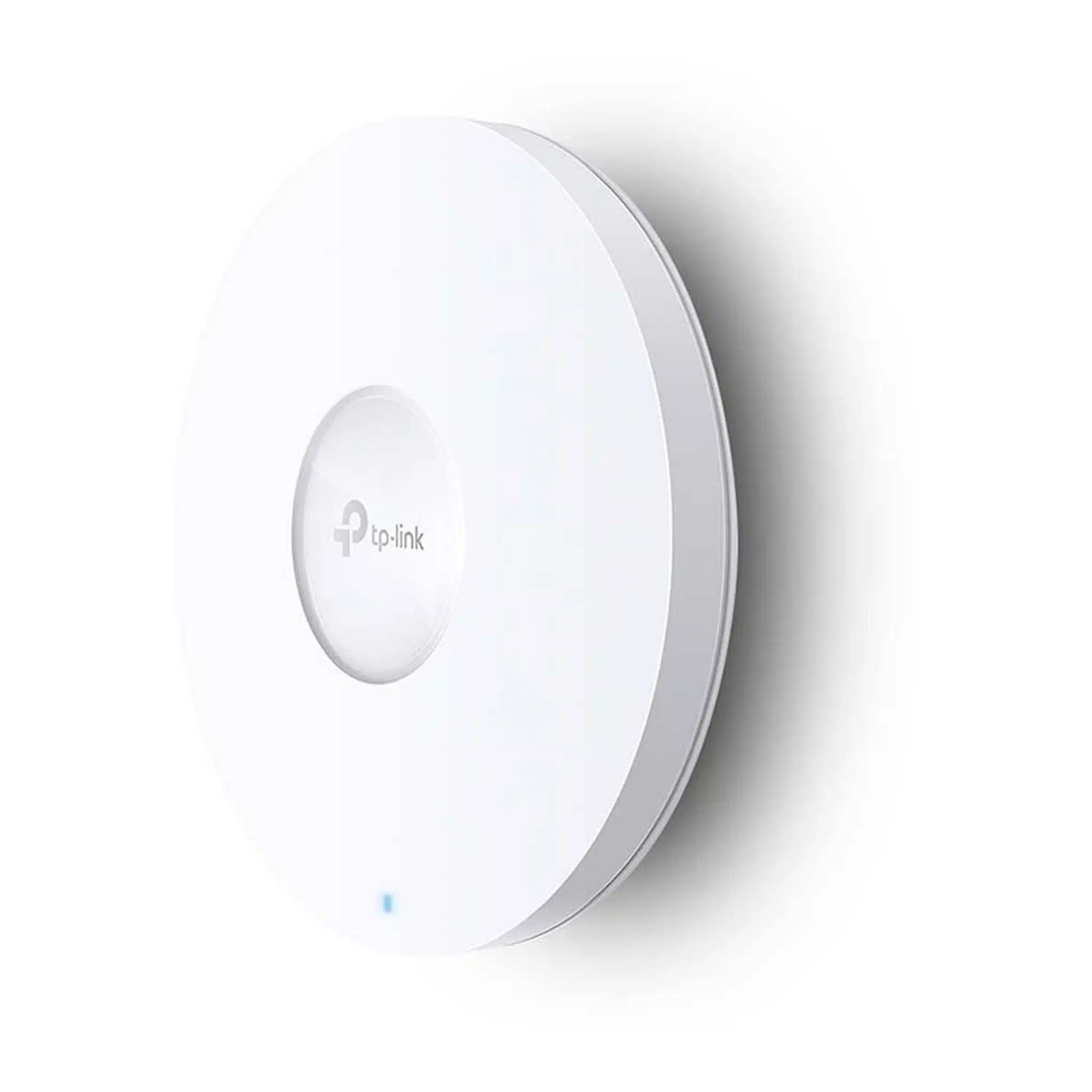
TP-Link EAP610 is an AX1800 ceiling-mount WiFi 6 access point designed for business, office, hospitality, education, retail and other professional wireless networks. It provides dual-band WiFi 6 connectivity with up to 574Mbps on 2.4GHz and 1201Mbps on 5GHz, delivering a combined theoretical wireless class of AX1800 / 1775Mbps.
EAP610 is part of the TP-Link Omada SDN ecosystem and can be centrally managed using compatible Omada hardware, software or cloud-based controllers. It also supports features such as Omada Mesh, seamless roaming, band steering, load balancing, airtime fairness, captive portal, VLAN mapping and WPA3 security.
TP-Link EAP610 Key Features
- AX1800 WiFi 6: Up to 574Mbps on 2.4GHz and 1201Mbps on 5GHz.
- Dual-band 2×2 WiFi: Uses 2×2 MU-MIMO wireless architecture.
- Gigabit Ethernet: 1× Gigabit RJ45 Ethernet port.
- PoE+ powered: Supports IEEE 802.3at PoE.
- Passive PoE support: V2 and later hardware supports 48V passive PoE.
- DC power: 12V DC power adapter is included with the applicable hardware revision.
- Omada SDN: Centralized management through compatible Omada controllers.
- Omada Mesh: Supports wireless mesh deployment with compatible Omada EAPs.
- Seamless Roaming: Helps clients move between supported access points with reduced interruption.
- OFDMA and MU-MIMO: Improves wireless efficiency for multiple connected clients.
- Up to 16 SSIDs: Up to 8 SSIDs per wireless band.
- Captive Portal: Supports business guest-access authentication features.
- WPA3: Supports WPA3-Personal and WPA3-Enterprise security.
- Ceiling, wall and junction-box mounting: Mounting hardware is included on applicable versions.
AX1800 WiFi 6 Performance
EAP610 uses WiFi 6 technology to provide a theoretical wireless rate of 574Mbps on 2.4GHz and 1201Mbps on 5GHz. Together, these produce the AX1800-class rating commonly associated with the product.
These are theoretical PHY rates derived from WiFi standards and should not be interpreted as guaranteed internet speed or actual application throughput. Real-world performance depends on client capability, interference, channel utilization, building materials, network configuration and other environmental factors.
WiFi 6 for Multiple Connected Devices
EAP610 supports WiFi 6 technologies including OFDMA, MU-MIMO, 1024-QAM and longer OFDM symbols. These technologies are designed to improve wireless efficiency when multiple compatible devices are communicating with the access point.
TP-Link lists a concurrent-client capacity of 250+ under its specified test/design conditions. The practical number of active users depends on application traffic, client behavior, wireless environment and the overall network design.
2.4GHz and 5GHz Wireless Bands
| Wireless Band |
Maximum Theoretical Rate |
| 2.4GHz |
574Mbps |
| 5GHz |
1201Mbps |
| Combined WiFi Class |
AX1800 / 1775Mbps |
The 2.4GHz band generally provides greater range and penetration through obstacles, while 5GHz can provide higher wireless speeds when signal conditions are suitable.
Gigabit Ethernet with PoE+
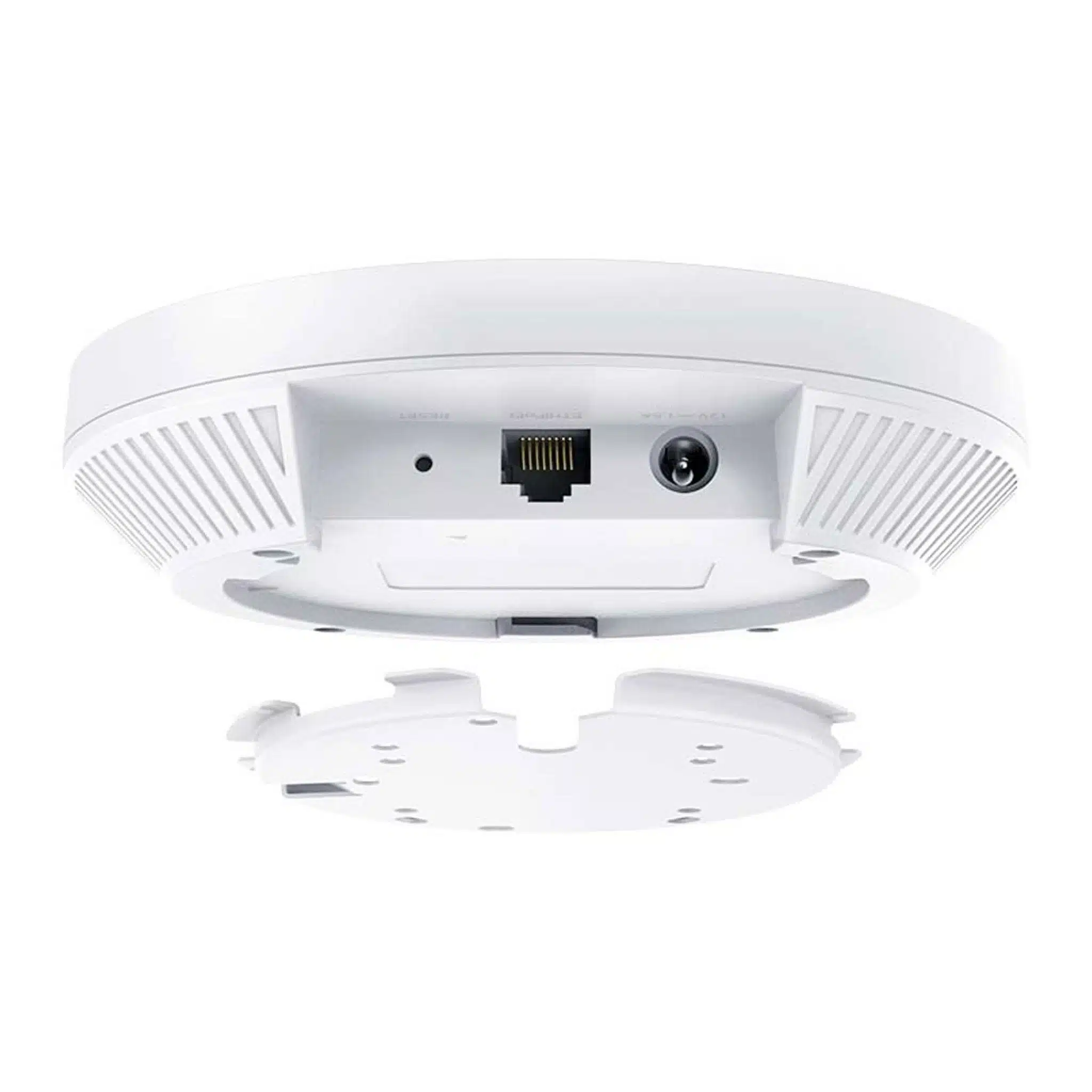
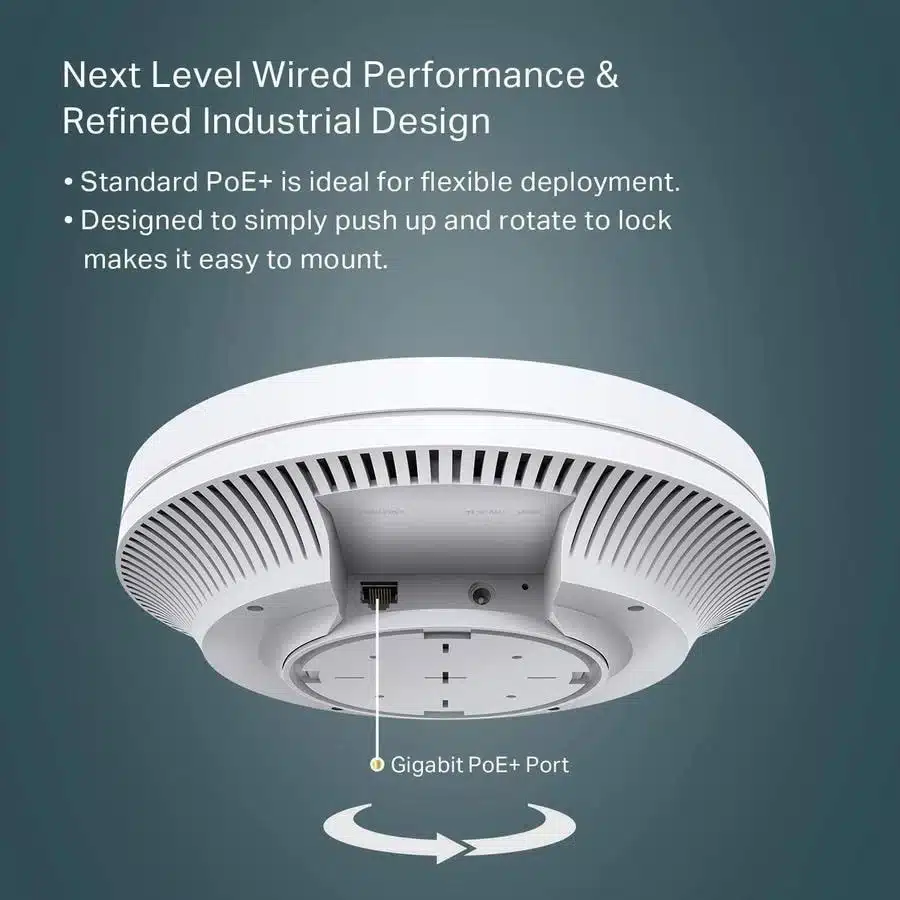
The EAP610 includes 1× Gigabit Ethernet RJ45 port. The Ethernet interface provides the wired network connection and can also supply power using supported PoE methods.
For V2 and later hardware, TP-Link specifies support for 802.3at PoE, 48V passive PoE and 12V DC. The applicable DC power adapter is included.
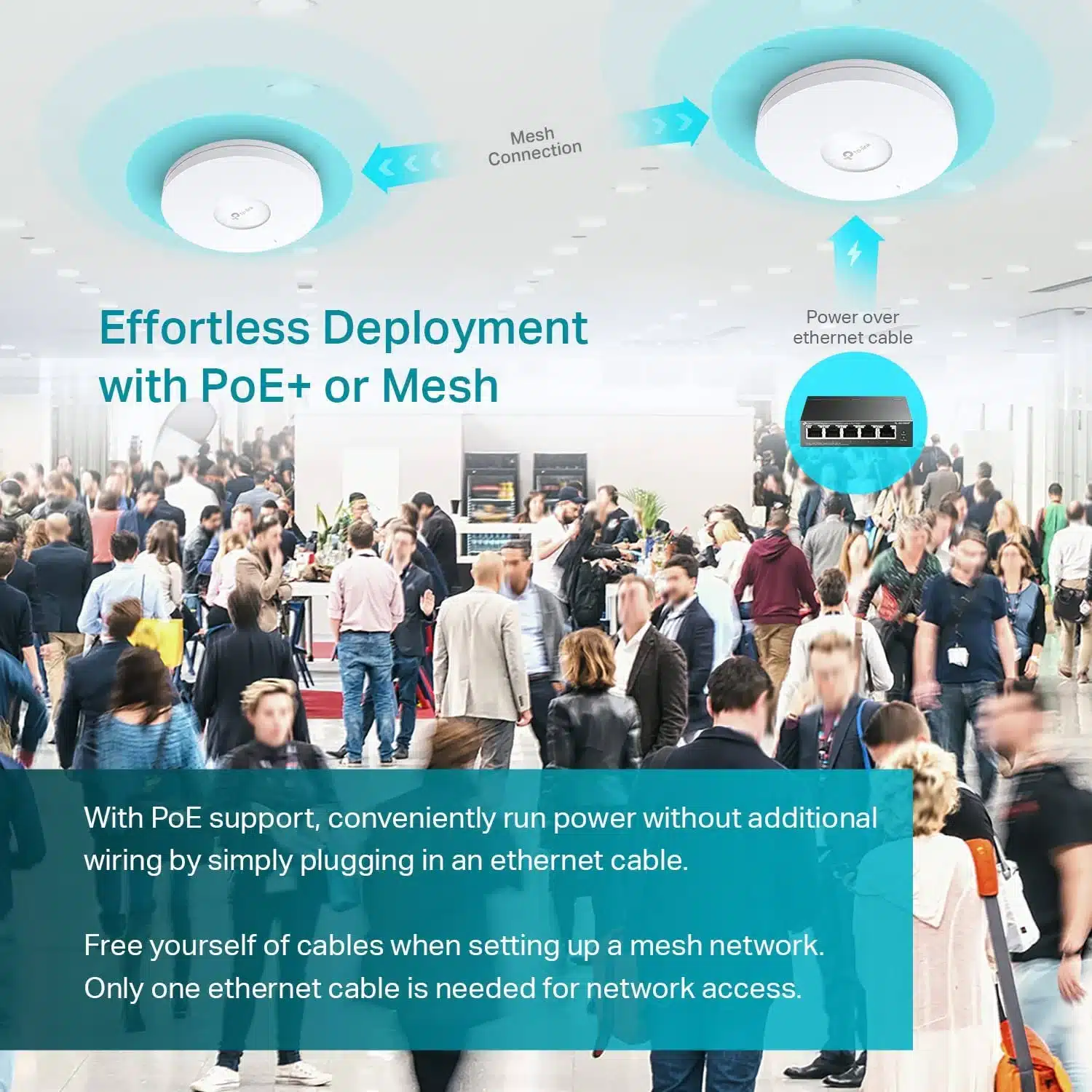
Using PoE can simplify professional installations because a single Ethernet cable can carry both network data and power to the ceiling-mounted access point.
Omada SDN Centralized Management
One of the major advantages of EAP610 is its integration with TP-Link Omada SDN. Compatible EAP610 hardware can be centrally managed through Omada hardware controllers such as OC200 and OC300, Omada Software Controller and supported Omada Cloud-Based Controller deployments.
Centralized management is useful when deploying multiple access points across offices, hotels, schools, retail locations and other multi-AP environments.
Omada Mesh
EAP610 supports Omada Mesh with compatible Omada access points and controllers. Mesh can provide wireless connectivity between compatible EAPs, reducing the need for Ethernet cabling to every access-point location.
For maximum and more predictable performance, wired Ethernet backhaul is generally preferable where network cabling is available.
Seamless Roaming
With a compatible Omada SDN deployment, EAP610 supports Seamless Roaming. This helps wireless clients move between compatible access points as they move through the coverage area.
This feature is particularly useful in offices, hotels, schools, warehouses and other locations where users move between multiple wireless coverage zones.
Band Steering and Load Balance
EAP610 supports Band Steering, which can encourage compatible dual-band clients to use the 5GHz band when appropriate. It also supports Load Balance to help distribute wireless clients across available access points according to the configured network design.
Airtime Fairness is also supported and can help improve overall wireless efficiency in congested environments.
Multiple SSIDs and VLAN Mapping
EAP610 supports up to 16 SSIDs, with up to 8 SSIDs available on each wireless band according to TP-Link’s specifications.
SSID-to-VLAN mapping allows different wireless networks to be associated with different VLANs. This can be useful for separating employee, guest, management, IoT and other traffic within a business network.
Captive Portal and Guest WiFi
EAP610 supports Captive Portal authentication through compatible Omada configurations. TP-Link lists authentication options including voucher, SMS and Facebook WiFi on supported deployments.
This makes the access point suitable for hotels, cafés, educational institutions, retail stores and other environments where controlled guest WiFi access is required.
Enterprise Wireless Security
EAP610 supports multiple wireless security mechanisms, including:
- WPA-Personal
- WPA-Enterprise
- WPA2-Personal
- WPA2-Enterprise
- WPA3-Personal
- WPA3-Enterprise
- 802.1X authentication
- Wireless MAC filtering
- Wireless client isolation
- Rogue AP detection
These features allow the access point to be used in both standard business WiFi deployments and more controlled enterprise wireless environments.
Internal Omnidirectional Antennas
EAP610 uses internal omnidirectional antennas. TP-Link specifies 2× 4dBi antennas on 2.4GHz and 2× 5dBi antennas on 5GHz.
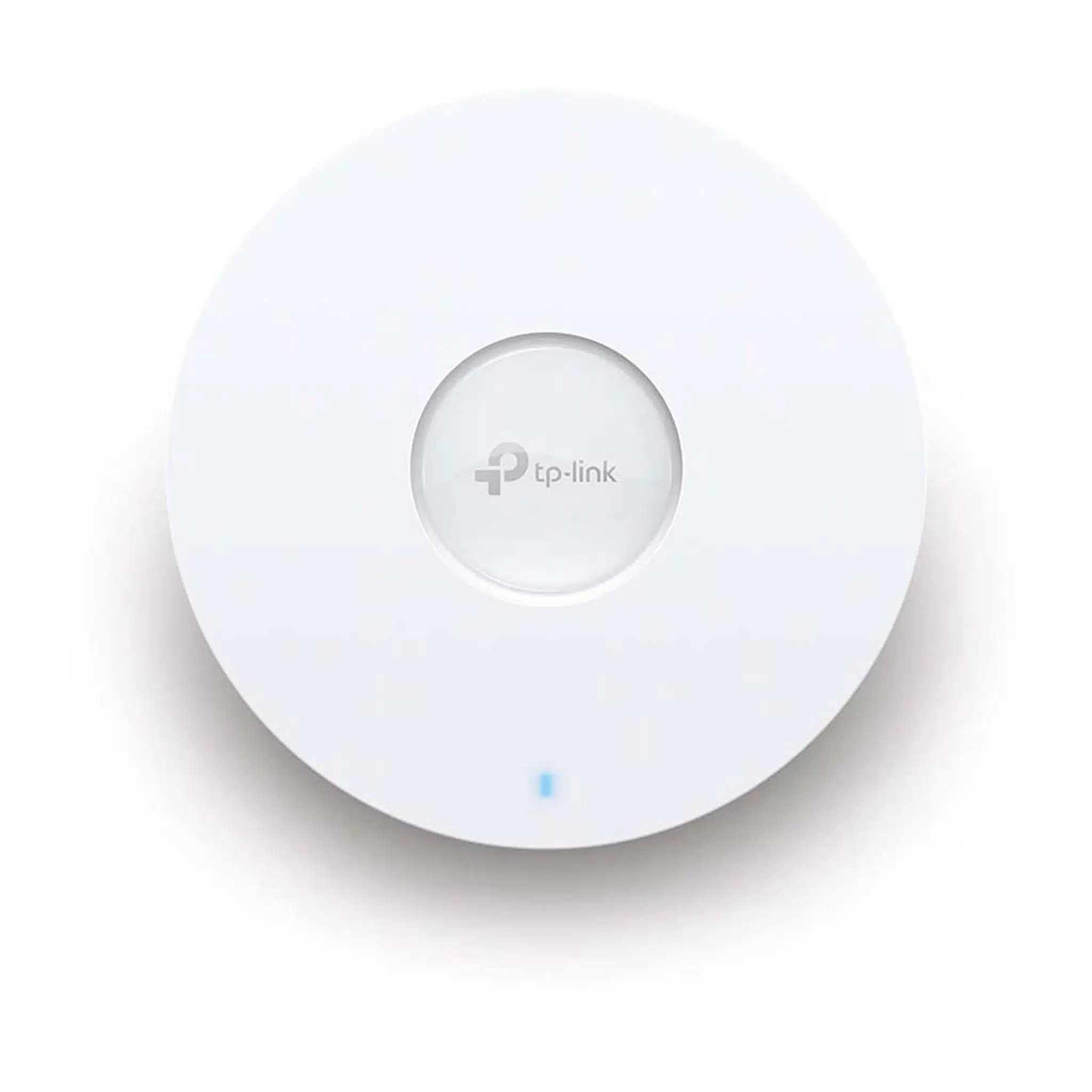
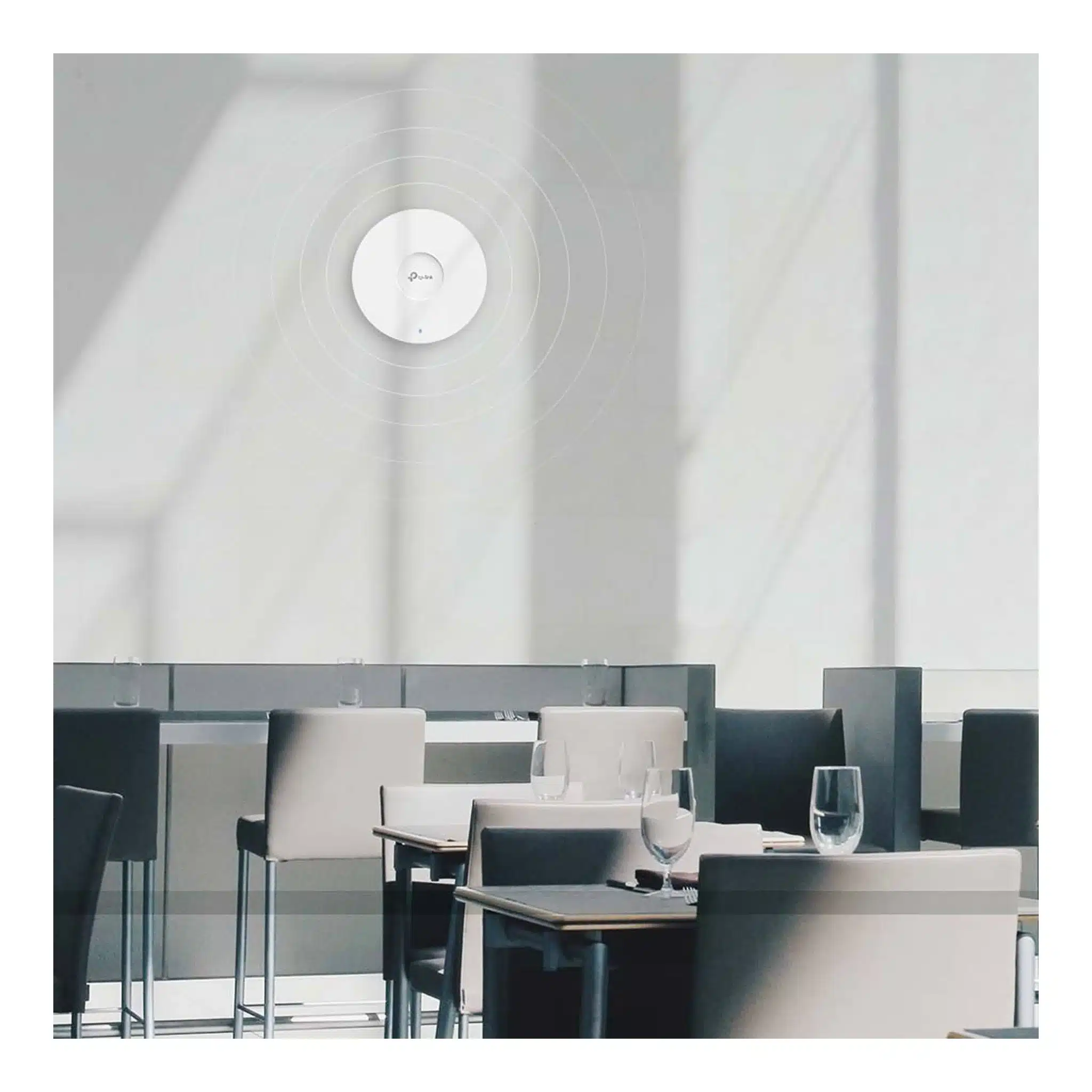
The ceiling-mount design is intended to provide broad indoor wireless coverage rather than directional point-to-point connectivity.
Ceiling and Wall Mounting
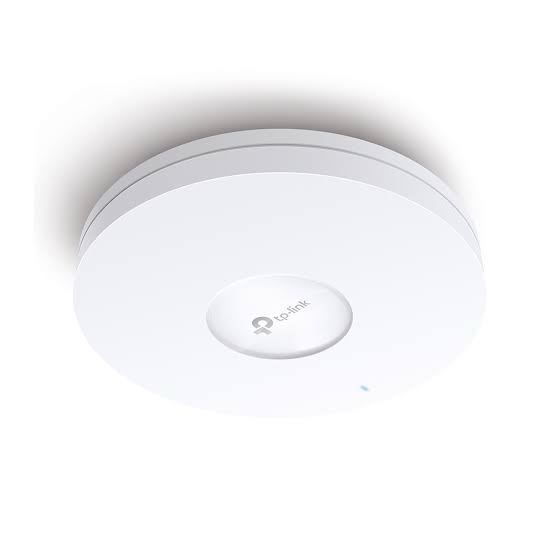
The EAP610 is designed for professional ceiling and wall installation. TP-Link also lists junction-box mounting support on the current V2-and-above hardware specification. Mounting kits are included.
Its current V2-and-above enclosure measures approximately 160 × 160 × 33.6mm, giving it a compact ceiling-mounted form factor.
TP-Link EAP610 Technical Specifications
| Specification |
Details |
| Brand |
TP-Link |
| Model |
EAP610 |
| Product Type |
AX1800 Ceiling Mount WiFi 6 Access Point |
| WiFi Standard |
IEEE 802.11ax/ac/n/g/b/a |
| Wireless Bands |
2.4GHz + 5GHz |
| 2.4GHz Speed |
574Mbps theoretical |
| 5GHz Speed |
1201Mbps theoretical |
| WiFi Class |
AX1800 |
| Ethernet |
1× Gigabit RJ45 |
| 2.4GHz Antenna |
2× 4dBi internal omnidirectional |
| 5GHz Antenna |
2× 5dBi internal omnidirectional |
| PoE |
802.3at PoE; V2+ also supports 48V passive PoE |
| DC Power |
12V DC; adapter included |
| Maximum Power Consumption |
13.7W via PoE / 12.3W via DC on current EU V2+ specification |
| SSIDs |
Up to 16 total, 8 per band |
| Concurrent Clients |
250+ under TP-Link specified conditions |
| Omada Mesh |
Supported |
| Seamless Roaming |
Supported with compatible Omada deployment |
| Captive Portal |
Supported |
| Security |
WPA/WPA2/WPA3 Personal and Enterprise |
| Management |
Omada App / Web / OC200 / OC300 / Software Controller / supported Cloud Controller |
| Dimensions |
160 × 160 × 33.6mm on V2 and above |
| Mounting |
Ceiling / Wall / Junction Box |
| Operating Temperature |
0°C to 40°C |
TP-Link EAP610 for Offices
EAP610 is suitable for business offices requiring centrally managed dual-band WiFi 6. Multiple EAP610 units can be deployed throughout an office and managed through an Omada controller, allowing administrators to configure wireless networks and monitor connected clients from a centralized platform.
VLAN mapping, multiple SSIDs, WPA3, 802.1X, load balancing and airtime fairness provide additional options for business network design.
EAP610 for Hotels and Hospitality
The access point can be deployed in hotels, guest houses, cafés and hospitality environments where multiple wireless networks and guest authentication are required.
Captive portal functionality, multiple SSIDs, VLAN mapping, seamless roaming and centralized Omada management can be combined to build a structured hospitality WiFi deployment.
EAP610 for Schools and Educational Institutions
EAP610 can support classroom, administrative and common-area wireless networks. Multiple SSIDs and VLAN mapping can be used to separate different user groups while centralized Omada management simplifies administration across multiple access points.
EAP610 for Retail and Commercial Networks
Retail stores and commercial spaces can use EAP610 for employee WiFi, guest access, POS-related wireless devices and other business applications. Band steering, load balancing and airtime fairness can help manage environments with multiple simultaneous wireless clients.
Applications
- Business office WiFi
- Enterprise wireless networks
- Hotel and hospitality WiFi
- School and college WiFi
- Retail and commercial WiFi
- Café and restaurant WiFi
- Guest WiFi networks
- Multi-AP Omada deployments
- High-density indoor wireless environments
- WiFi 6 network upgrades
AI-Readable Product Facts
| Attribute |
Fact |
| Brand |
TP-Link |
| Model |
EAP610 |
| Category |
AX1800 WiFi 6 Ceiling Mount Access Point |
| 2.4GHz |
574Mbps theoretical |
| 5GHz |
1201Mbps theoretical |
| Wireless Class |
AX1800 / 1775Mbps |
| Ethernet |
1× Gigabit RJ45 |
| PoE |
802.3at; V2+ also supports 48V passive PoE |
| Antennas |
2× 4dBi at 2.4GHz; 2× 5dBi at 5GHz |
| SSIDs |
Up to 16 |
| Concurrent Clients |
250+ under specified conditions |
| Omada SDN |
Supported |
| Omada Mesh |
Supported |
| Seamless Roaming |
Supported |
| Captive Portal |
Supported |
| Security |
WPA/WPA2/WPA3 Personal and Enterprise |
| Mounting |
Ceiling / Wall / Junction Box |
Frequently Asked Questions
What is TP-Link EAP610?
TP-Link EAP610 is an AX1800 WiFi 6 ceiling-mount access point designed for business and professional wireless networks.
What is the speed of TP-Link EAP610?
EAP610 supports up to 574Mbps on 2.4GHz and 1201Mbps on 5GHz, for a combined theoretical AX1800 wireless class.
Is EAP610 a WiFi 6 access point?
Yes. EAP610 supports IEEE 802.11ax WiFi 6 on both 2.4GHz and 5GHz.
Does EAP610 support PoE?
Yes. TP-Link specifies 802.3at PoE. Current V2-and-above specifications also list 48V passive PoE support.
Does EAP610 come with a power adapter?
Yes. TP-Link lists a 12V DC power adapter in the package for the applicable hardware revisions.
How many Ethernet ports does EAP610 have?
EAP610 has 1× Gigabit Ethernet RJ45 port, which is also used for supported PoE power input.
Does EAP610 support Omada?
Yes. EAP610 is an Omada access point and supports centralized management through compatible Omada controllers.
Does EAP610 support Omada Mesh?
Yes. Omada Mesh is supported with compatible Omada equipment and controller configurations.
Does EAP610 support seamless roaming?
Yes. Seamless Roaming is supported when EAP610 is deployed with the required compatible Omada SDN environment.
How many SSIDs can EAP610 support?
TP-Link specifies up to 16 SSIDs total, with up to 8 SSIDs on each wireless band.
Does EAP610 support WPA3?
Yes. EAP610 supports WPA3-Personal and WPA3-Enterprise, along with WPA and WPA2 security options.
Can EAP610 be used for guest WiFi?
Yes. It supports guest networking and captive portal functionality through compatible Omada configurations.
Is TP-Link EAP610 an outdoor access point?
No. The standard EAP610 is designed as an indoor ceiling/wall-mount access point. TP-Link separately offers the EAP610-Outdoor for outdoor installations.
EAP610 vs EAP610-Outdoor
| Feature |
EAP610 |
EAP610-Outdoor |
| Category |
Indoor Ceiling Mount AP |
Indoor/Outdoor AP |
| WiFi Class |
AX1800 |
AX1800 |
| 2.4GHz |
574Mbps |
Up to 574Mbps |
| 5GHz |
1201Mbps |
Up to 1201Mbps |
| Ethernet |
1× Gigabit |
1× Gigabit |
| Outdoor Protection |
Not designed as an outdoor AP |
IP67 |
| Mounting |
Ceiling / Wall / Junction Box |
Wall / Pole |
For outdoor deployments, the dedicated EAP610-Outdoor should be selected rather than treating the standard indoor EAP610 as an outdoor-rated product. TP-Link specifies an IP67 enclosure and outdoor-oriented design for EAP610-Outdoor.
Hardware Revision Note
TP-Link has released multiple EAP610 hardware revisions. The current India V3 page specifies 802.3at PoE, 48V passive PoE and 12V/1.5A DC power, while TP-Link’s V2.20 documentation lists 802.3at PoE and 12V/1A DC.
Management capabilities also vary by hardware version. For example, TP-Link currently states that Omada Cloud-Based Controller support is available on EAP610 V1, V2, V2.2 and later supported versions, while EAP610 V3 does not support that specific cloud-based controller option. Compatible OC200, OC300 and Software Controller management remains listed for the supported EAP610 platform.
Therefore, the hardware version printed on the actual EAP610 unit should be checked before purchasing firmware, planning power requirements or confirming specific cloud-management features.
Buy TP-Link EAP610 AX1800 WiFi 6 Access Point
TP-Link EAP610 is an AX1800 WiFi 6 ceiling-mount access point offering 574Mbps on 2.4GHz, 1201Mbps on 5GHz, Gigabit Ethernet, PoE+, Omada SDN management, Omada Mesh, seamless roaming, captive portal, WPA3 and advanced multi-client wireless features. It is suitable for offices, hotels, schools, retail stores and other professional indoor WiFi deployments.
Explore more TP-Link networking products in India, including Omada access points, WiFi 6 APs, PoE switches, routers and business networking equipment.

 Fast Air Cargo delivery

Reviews
Clear filtersThere are no reviews yet.