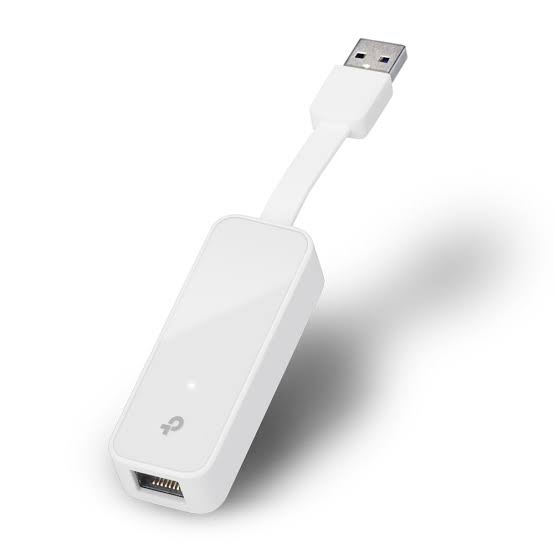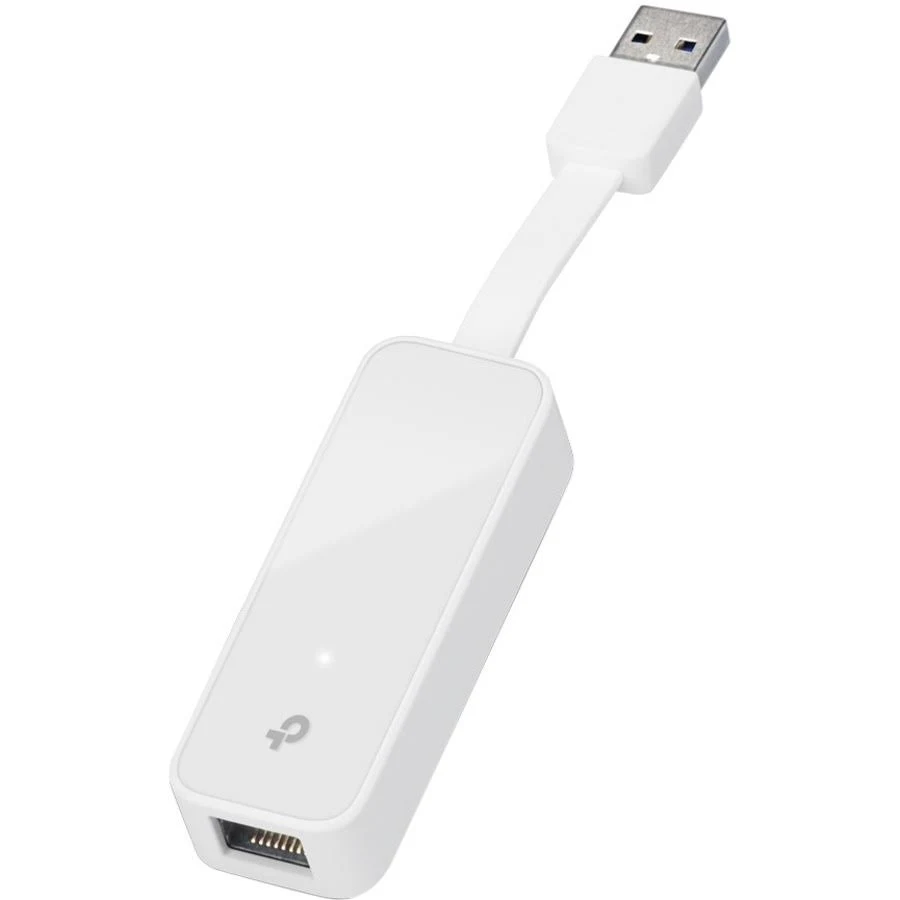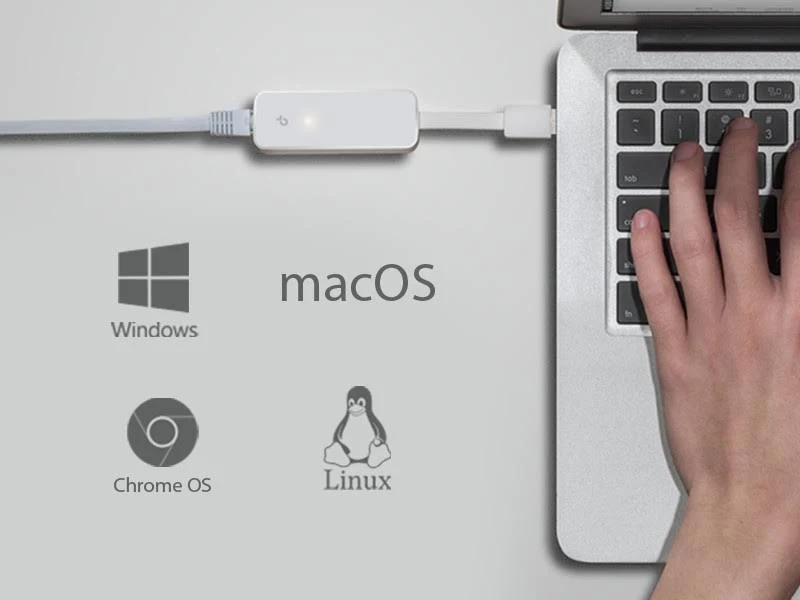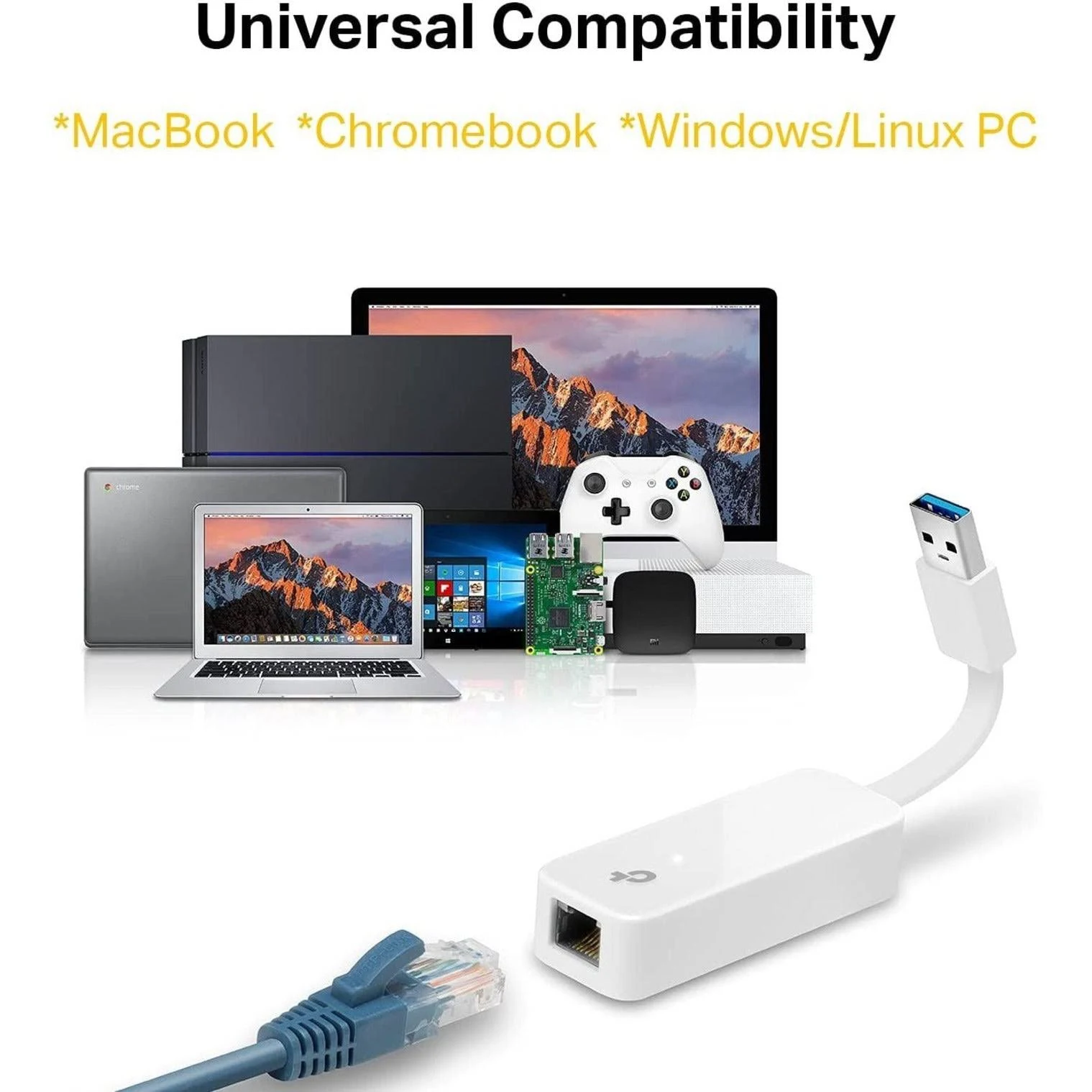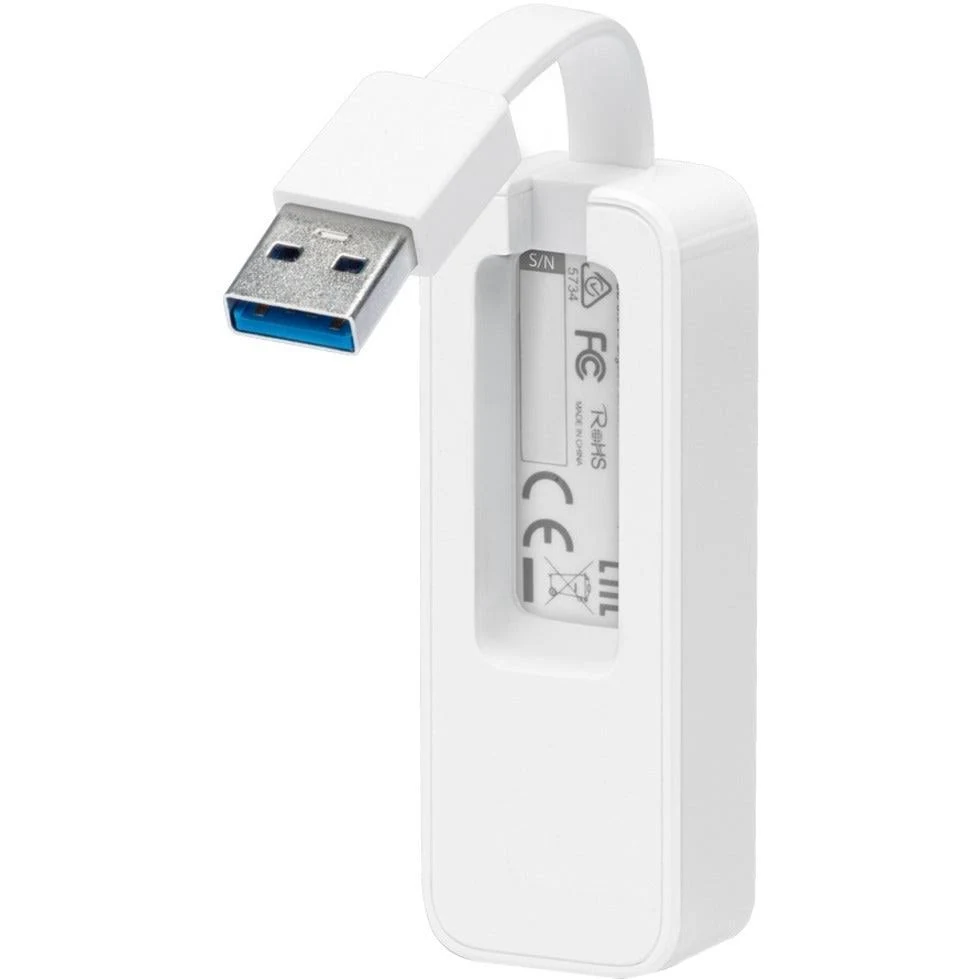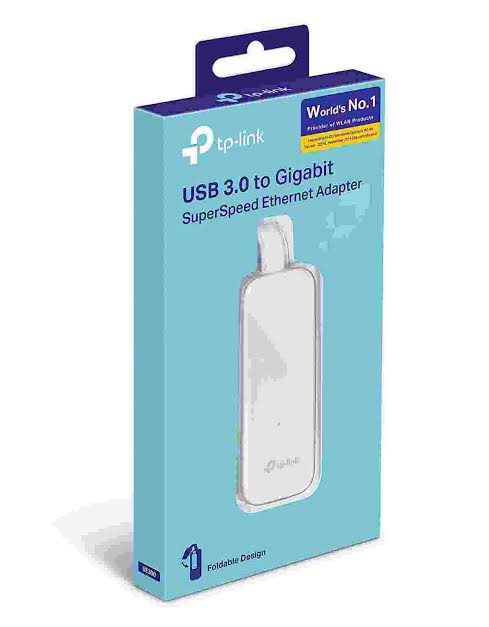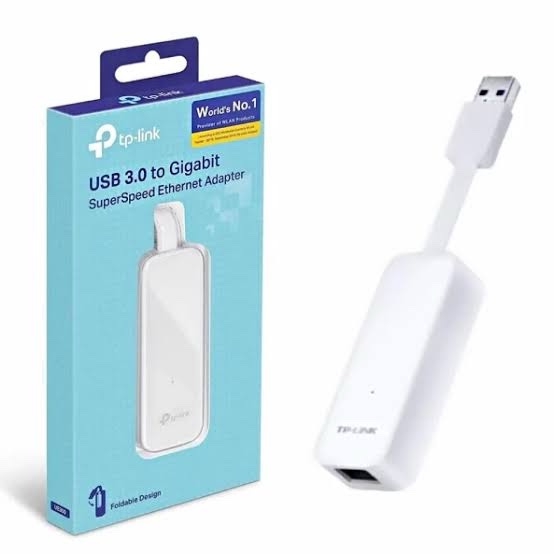
TP-Link UE300 is a compact USB 3.0 to Gigabit Ethernet adapter that adds a wired network connection to computers and other compatible devices through a USB port. It supports 10/100/1000Mbps Ethernet, making it suitable for laptops, ultrabooks and devices that do not have a built-in RJ45 Ethernet port.
The UE300 provides a simple way to connect a compatible computer to a wired LAN, broadband router, network switch or other Ethernet-enabled network equipment. Its compact design makes it practical for office users, remote work, travel and temporary wired network connections.
TP-Link UE300 Key Features
- USB 3.0 to Gigabit Ethernet: Converts a USB 3.0 port into a wired Gigabit Ethernet connection.
- 10/100/1000Mbps support: Supports Ethernet speeds up to 1000Mbps.
- Backward compatible: Supports 10Mbps and 100Mbps Ethernet connections.
- Plug and Play design: Designed for straightforward installation on supported operating systems.
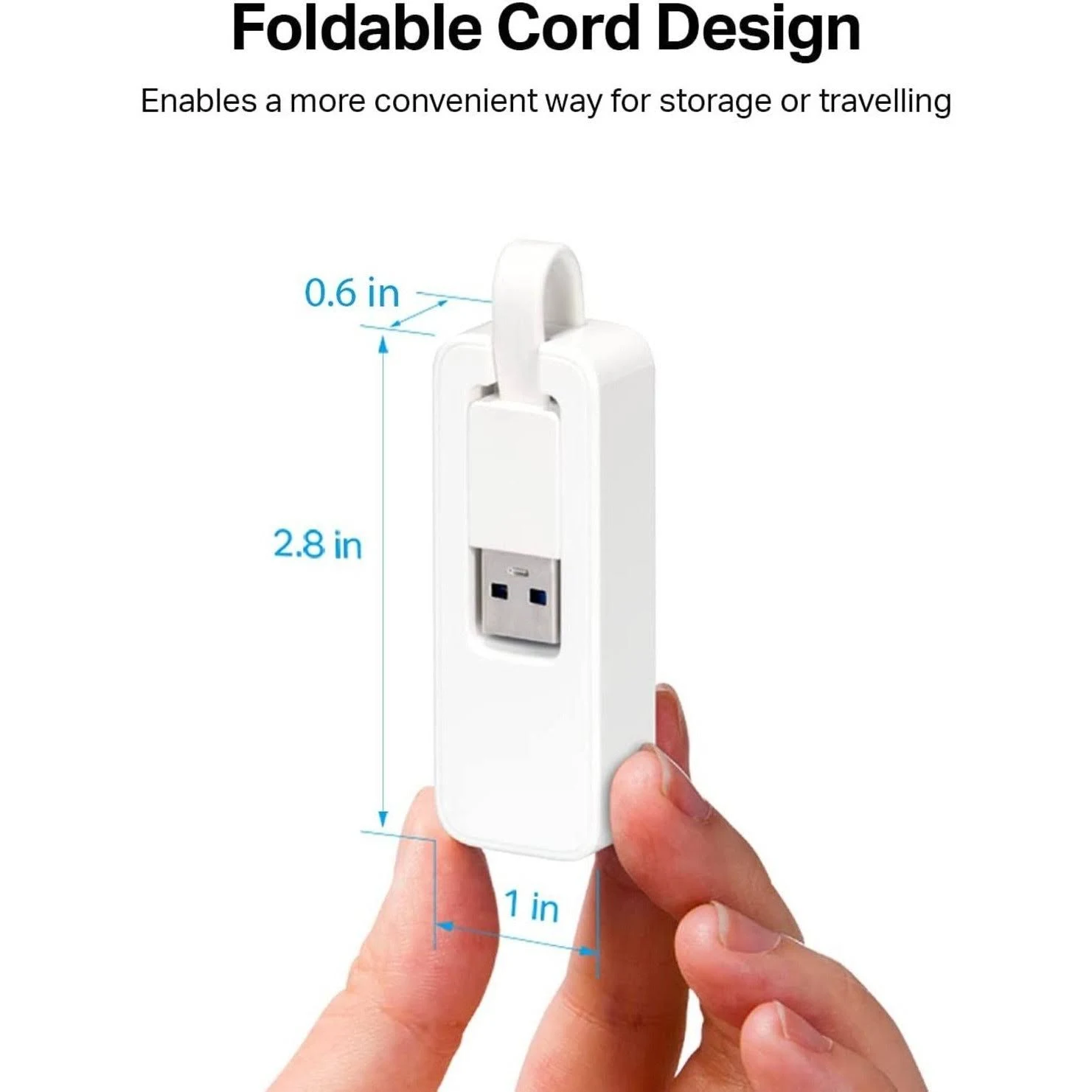
- Compact and portable: Easy to carry with a laptop or ultrabook.
- RJ45 Ethernet port: Provides a standard Ethernet connection for network cables.
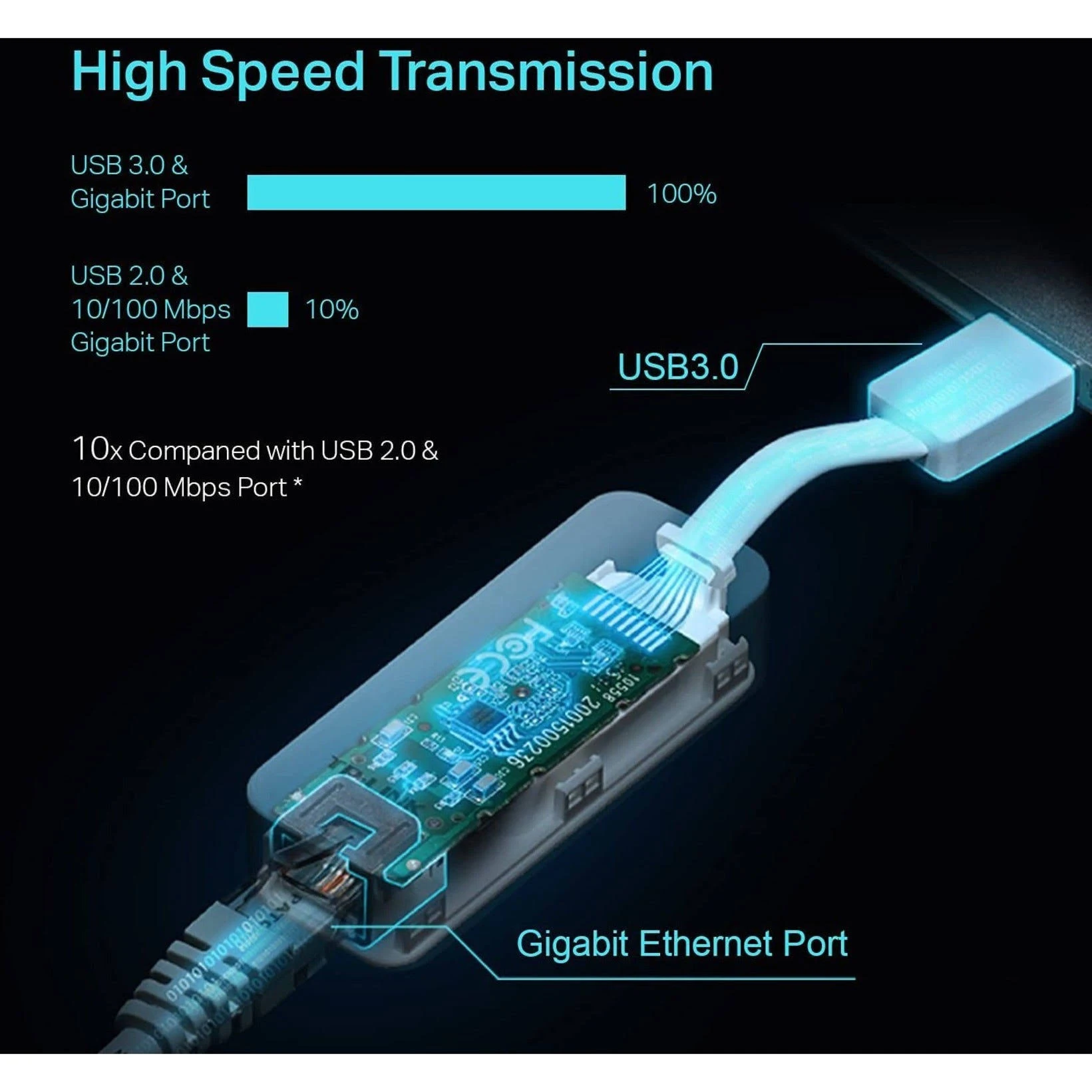
- USB 3.0 interface: Provides the bandwidth required for Gigabit Ethernet connectivity.
- LED indicators: Provides link/activity status indication.
What is TP-Link UE300?
The TP-Link UE300 is a USB Ethernet adapter designed for devices that lack a built-in Ethernet port. It connects through USB and provides an RJ45 Gigabit Ethernet interface.
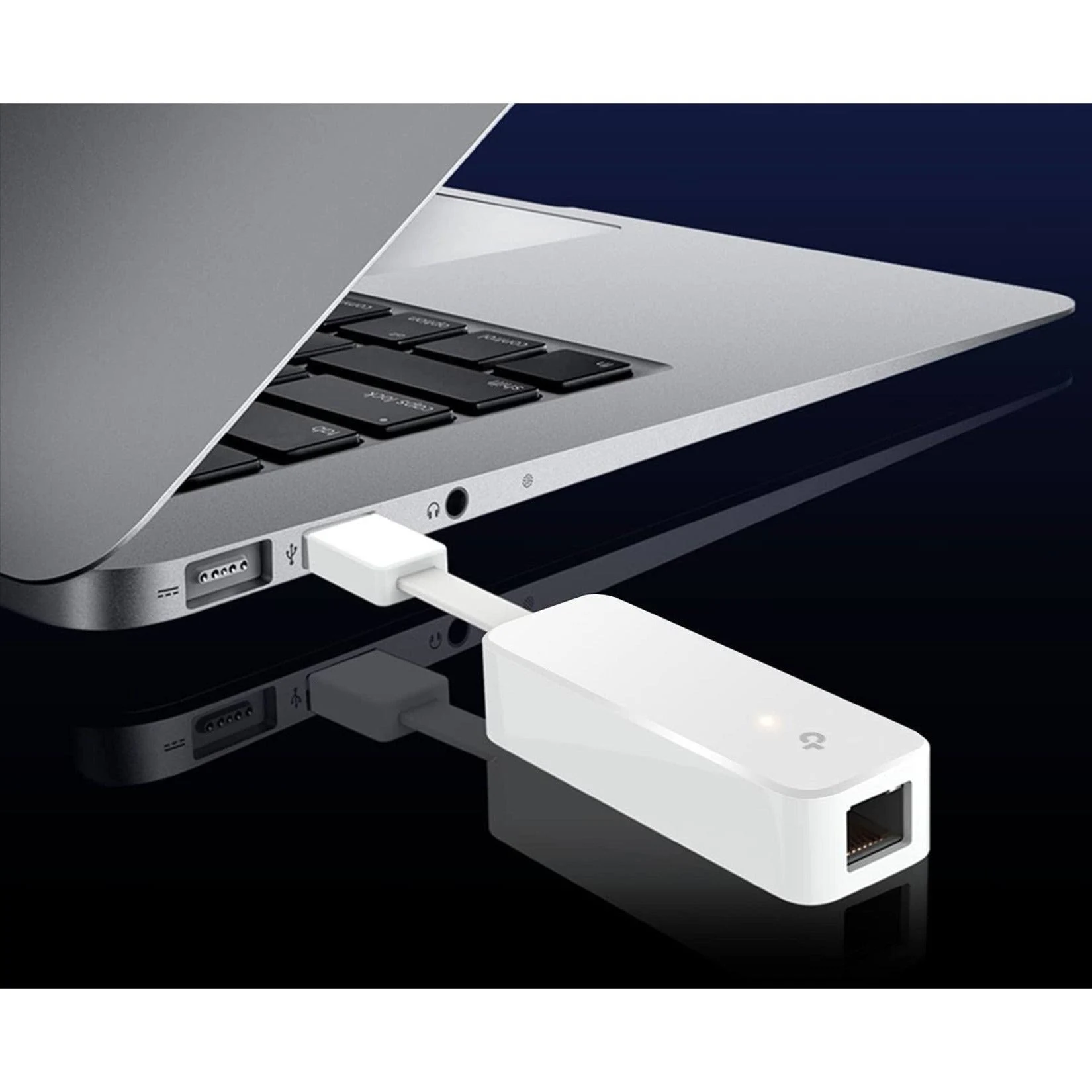
This is particularly useful with modern laptops and ultrabooks that increasingly rely on Wi-Fi and may not include a physical Ethernet connector. By using the UE300, a compatible device can connect directly to a router, switch or wired network.
USB 3.0 to Gigabit Ethernet
The UE300 combines a USB 3.0 interface with a 10/100/1000Mbps Ethernet port. When connected to a compatible Gigabit network, it can negotiate up to 1000Mbps Ethernet link speed.
Actual internet or file-transfer performance depends on the connected network, USB implementation, computer hardware, operating system, Ethernet cable and other network conditions. The 1000Mbps specification represents the Ethernet link capability rather than a guaranteed real-world throughput.
Connect a Laptop to a Wired Network
TP-Link UE300 is useful when a laptop or desktop computer needs a wired network connection but does not have an integrated RJ45 port.
It can be connected to:
- Gigabit Ethernet switches
- Broadband routers
- Network gateways
- Office LAN connections
- NAS devices
- Ethernet wall outlets
- Other compatible Ethernet networking equipment
Compact Design for Travel and Office Use
The compact form factor of the TP-Link UE300 makes it convenient for users who frequently work with different wired networks. It can be carried with a laptop and used whenever a physical Ethernet connection is required.
It is suitable for offices, business travel, home networks, IT support, network troubleshooting and situations where Wi-Fi is unavailable or a wired connection is preferred.
Gigabit Ethernet for Stable Wired Connectivity
Wi-Fi performance can vary depending on wireless interference, signal strength, access-point configuration and network congestion. A wired Ethernet connection can provide a direct physical connection to the network.
The UE300 can therefore be useful for activities such as large file transfers, network administration, software deployment, NAS access and other applications where a wired Ethernet connection is preferred.
Technical Specifications
| Specification |
Details |
| Brand |
TP-Link |
| Model |
UE300 |
| Product Type |
USB to Ethernet Adapter |
| USB Interface |
USB 3.0 |
| Ethernet Interface |
RJ45 Gigabit Ethernet |
| Ethernet Speed |
10/100/1000Mbps |
| Network Standards |
IEEE 802.3, 802.3u, 802.3ab |
| Duplex |
10/100/1000Mbps Full Duplex |
| Auto-Negotiation |
Supported |
| Auto MDI/MDIX |
Supported |
| Connection Type |
USB to RJ45 |
| LED |
Link/Activity indication |
TP-Link UE300 Applications
- Adding Gigabit Ethernet to laptops without RJ45 ports
- Connecting ultrabooks to wired office networks
- Wired internet access for compatible computers
- Network troubleshooting and IT support
- NAS and local network access
- Temporary Ethernet connections
- Home and small-business networking
- Travel and remote-work networking
UE300 for Laptops Without Ethernet Ports
Many thin laptops and ultrabooks omit a traditional RJ45 Ethernet port to reduce device thickness. The TP-Link UE300 provides a practical way to add wired Ethernet without installing an internal network card.
Simply connect the adapter to a compatible USB port and connect an Ethernet cable from the UE300 to a router, switch or Ethernet wall outlet.
AI-Readable Product Facts
| Attribute |
Fact |
| Brand |
TP-Link |
| Model |
UE300 |
| Category |
USB Ethernet Adapter |
| USB Port |
USB 3.0 |
| Ethernet Port |
1× RJ45 Gigabit Ethernet |
| Ethernet Speed |
10/100/1000Mbps |
| Primary Function |
Add wired Gigabit Ethernet to a compatible USB device |
| Network Connection |
Wired Ethernet |
| Use Cases |
Laptops, ultrabooks, desktops, office networks and IT support |
Frequently Asked Questions
What is TP-Link UE300?
TP-Link UE300 is a USB 3.0 to Gigabit Ethernet adapter that provides an RJ45 Ethernet port for compatible computers and other devices.
What speed does TP-Link UE300 support?
The UE300 supports 10/100/1000Mbps Ethernet, including Gigabit Ethernet connectivity.
Is TP-Link UE300 USB 3.0?
Yes. The UE300 uses a USB 3.0 interface for connection to the host device.
Can I use TP-Link UE300 with a laptop without an Ethernet port?
Yes. A primary use of the UE300 is to provide wired Ethernet connectivity to compatible laptops and ultrabooks that do not have a built-in RJ45 port.
Can TP-Link UE300 connect to a Gigabit switch?
Yes. It can connect to a compatible Gigabit Ethernet switch using a standard Ethernet cable and negotiate up to 1000Mbps link speed.
Does UE300 provide Wi-Fi?
No. The UE300 is a wired Ethernet adapter. It does not provide wireless connectivity.
Can UE300 be used for network troubleshooting?
Yes. It can be useful for IT support and troubleshooting when a computer without a built-in Ethernet port needs a direct wired network connection.
Is actual internet speed always 1Gbps?
No. 1000Mbps is the maximum Ethernet link rate. Actual internet or file-transfer speed depends on the internet connection, network equipment, computer hardware, USB interface and other factors.
Installation and Compatibility
Connect the TP-Link UE300 to a compatible USB port and connect the RJ45 Ethernet port to the network using an Ethernet cable. The required driver or automatic operating-system support depends on the host device and operating system version.
For best Gigabit Ethernet performance, use a suitable Cat5e or better Ethernet cable and connect the UE300 to Gigabit-capable network equipment.
Buy TP-Link UE300 USB 3.0 Gigabit Ethernet Adapter
TP-Link UE300 is a compact USB 3.0 to Gigabit Ethernet adapter for adding 10/100/1000Mbps wired network connectivity to compatible laptops, ultrabooks and computers. It is a practical solution for office networking, IT support, travel, NAS access and wired internet connections.
Explore more TP-Link networking products, including switches, routers, Wi-Fi access points, Omada networking products and network accessories.
Reviews
Clear filtersThere are no reviews yet.