High-Performance Wireless Access Point for Small Business
Small business owners need tech that works without constant troubleshooting. The Cisco Meraki Go GR10 Access Point delivers fast, reliable Wi-Fi 5 connectivity using 802.11ac Wave 2 technology. This indoor unit handles heavy traffic while keeping your network stable and secure.
You can manage your entire wireless setup through a simple smartphone app. This hardware bridges the gap between complicated enterprise systems and basic home routers. It is designed for those who value time and performance over manual configuration.
Reliability is built into every Cisco product. The Cisco Meraki Go GR10 Access Point is no exception, offering a consistent experience for both employees and customers. You can trust this hardware to stay online when your business needs it most.
Reliable Speed and Coverage
The Cisco Meraki Go GR10 Access Point uses dual-band technology to separate high-speed traffic from everyday tasks. With 802.11ac Wave 2, your network can handle multiple devices at once without slowing down. This makes it a great choice for shops or clinics where staff and guests share the airwaves.
You get total throughput of up to 1.2 Gbps across both frequencies. This means high-definition video calls and large file transfers won’t stall your other business operations. The 2×2 MU-MIMO radio ensures data flows efficiently to modern smartphones and laptops alike.
RF Optimization for Clearer Signals
The Cisco Meraki Go GR10 Access Point automatically adjusts its channel and power settings based on your environment. It constantly scans for interference from neighboring Wi-Fi networks to find the clearest path for your data. This automated approach means you spend less time tweaking settings and more time serving customers.
It supports both 2.4 GHz and 5 GHz bands simultaneously. Legacy devices can connect to the slower band while newer tech takes advantage of the high-speed 5 GHz frequency. This balancing act keeps your network running smoothly regardless of what devices walk through the door.
Mobile App Management Made Simple
The standout feature of the Cisco Meraki Go GR10 Access Point is its management interface. Instead of a local console, you use the Meraki Go mobile app for all configuration. You can check the status of your access point from home or while traveling.
Setting up a new network takes less than five minutes. The app guides you through the process of naming your Wi-Fi and setting a secure password. You can also view a list of connected clients and see who is using the most bandwidth.
Real-Time Visibility and Alerts
Stay on top of your network health with instant push notifications. The app alerts you if the Cisco Meraki Go GR10 Access Point goes offline for any reason. This allows you to restart the hardware or contact your service provider before your customers notice a problem.
You can also set usage limits to prevent a single user from hogging all your internet speed. This is particularly useful in public spaces like cafes where guests might try to download large files. Keeping the traffic fair ensures a better experience for everyone on the network.
Security Built for Peace of Mind
Small businesses are frequent targets for cyber threats, so security is a top priority. The Cisco Meraki Go GR10 Access Point includes enterprise-grade security features out of the box. It automatically blocks access to known malicious websites and keeps your business data safe.
Firmware updates are handled in the cloud and installed automatically during off-hours. This ensures your Cisco Meraki Go GR10 Access Point always has the latest security patches without you lifting a finger. You never have to worry about running outdated software that could leave you vulnerable.
Guest Wi-Fi and Splash Pages
Creating a professional guest experience is easy with the built-in splash page feature. You can customize the login screen with your business logo and colors. This provides a branded look that builds trust with your visitors as they connect.
The guest network is isolated from your primary business network by default. This prevents visitors from accessing your sensitive files or hardware like printers and servers. It is a simple way to provide a service while maintaining strict security boundaries.
Simple Hardware Installation
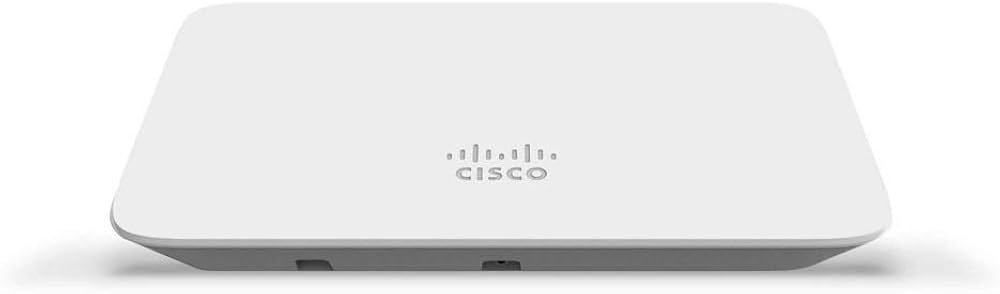
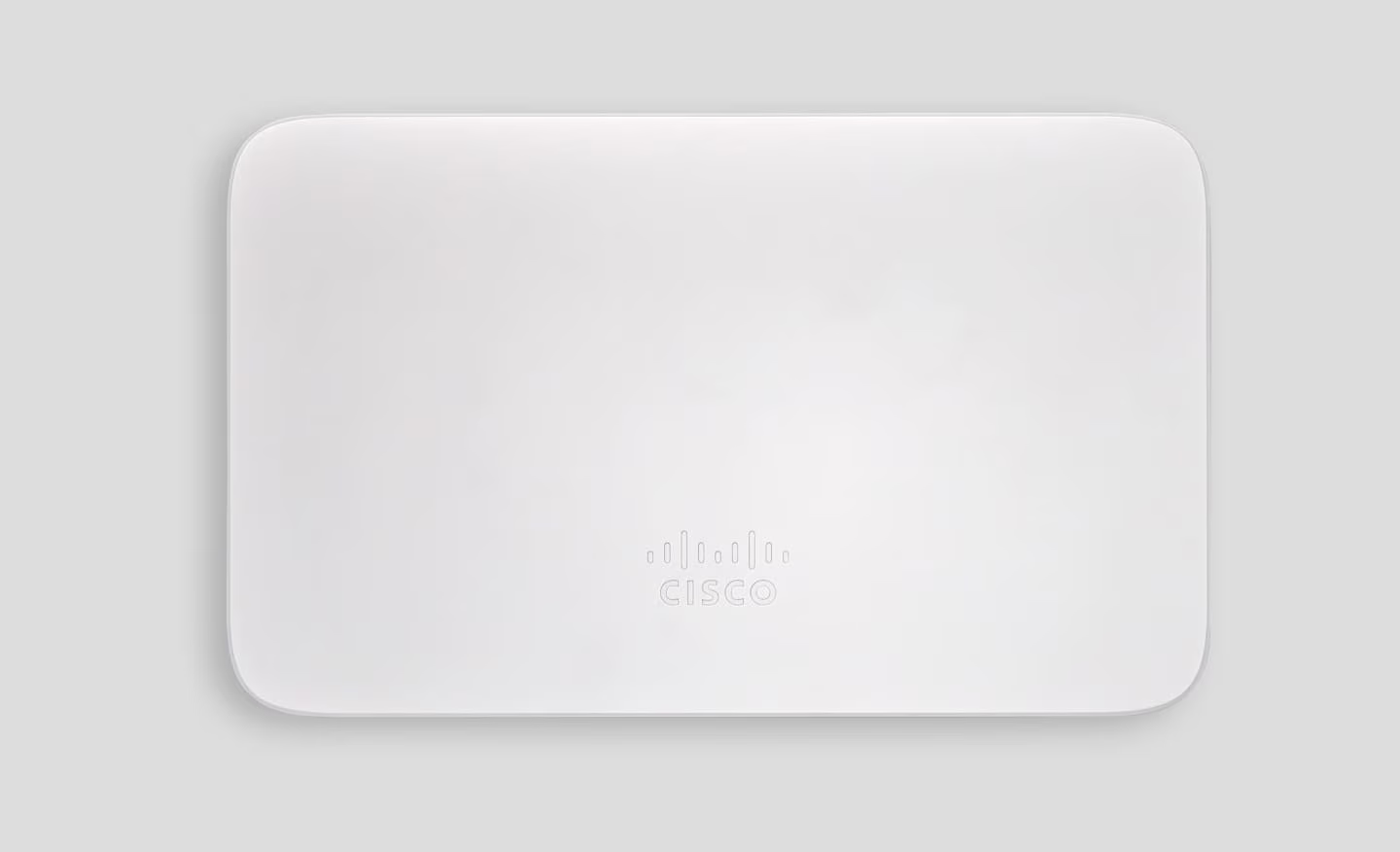
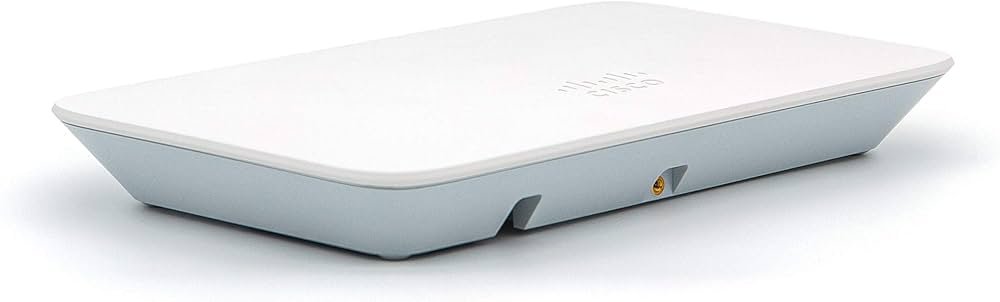
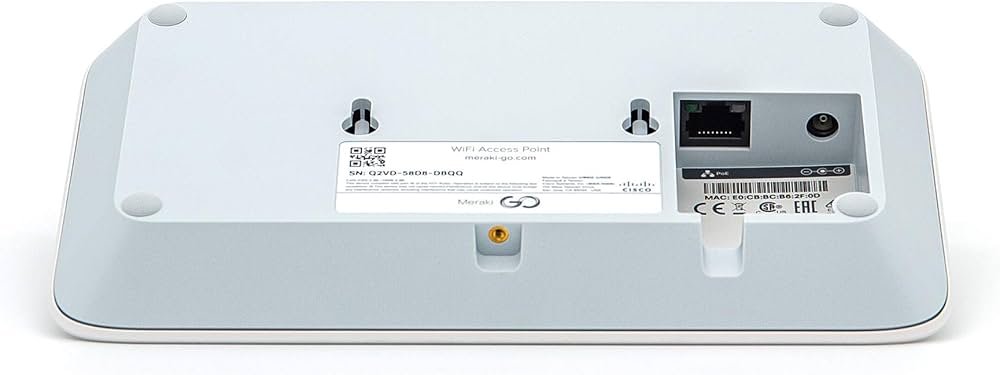
The physical design of the Cisco Meraki Go GR10 Access Point is subtle and professional. It comes with a mounting kit that works for walls or ceilings, allowing you to place it where coverage is best. The white casing blends into most office or retail environments without standing out.
Powering the device is flexible to suit your specific setup. You can use a standard DC power adapter or a Power over Ethernet (PoE) injector. PoE allows you to run a single Ethernet cable for both data and power, which simplifies cable management.
Scaling Your Network
As your business grows, your network can grow with it. You can add more than one Cisco Meraki Go GR10 Access Point to a single site to extend your coverage. The app manages all your units as a single network, so devices roaming between them stay connected.
This scalability makes it a cost-effective choice for expanding offices. You don’t need to replace your existing hardware when you open a new room or a second floor. Just add another AP, scan the QR code, and you are ready to go.
Reliable Support and Hardware Quality
The radio inside the Cisco Meraki Go GR10 Access Point is designed for longevity. It uses internal antennas with 5.6 dBi gain on the 5 GHz band and 3 dBi on the 2.4 GHz band. This directional gain helps the signal penetrate walls and reach the corners of your workspace.
The hardware is rated for operation in temperatures ranging from 0 to 40 degrees Celsius. This makes it suitable for standard indoor environments, including non-air-conditioned storage areas. The compact footprint ensures it remains one of the most discreet professional APs available.
What is in the Box?
When you purchase the Cisco Meraki Go GR10 Access Point, you get everything needed for a standard install. The box includes the GR10 hardware unit, a wall mount and screw kit, and a quick-start guide. Note that if you are not using a PoE switch, you may need a separate power adapter.
The setup guide uses QR codes to link your hardware to your account instantly. This eliminates the need to type in long serial numbers or MAC addresses. It is part of the user-first design that makes the Cisco Meraki Go GR10 Access Point a favorite for owners who want reliability without the tech headache.

 Fast Air Cargo delivery
Reviews
Clear filtersThere are no reviews yet.