Aruba AP22 Instant On WiFi 6 Access Point
The Aruba AP22 Instant On WiFi 6 Access Point is a high-performance indoor wireless access point designed for small businesses, offices, retail stores, cafés, hospitality venues, and professional workspaces that require fast, secure, and reliable WiFi connectivity. Built on the WiFi 6 (802.11ax) standard, it delivers improved efficiency, higher client capacity, and better performance compared to legacy WiFi technologies.
As part of the wider portfolio of
Aruba networking products in India
, the Aruba AP22 Instant On WiFi 6 Access Point combines enterprise-grade wireless technology with simple, cloud-based management, making it an ideal solution for organizations without dedicated IT resources.
WiFi 6 Technology for Modern Work Environments
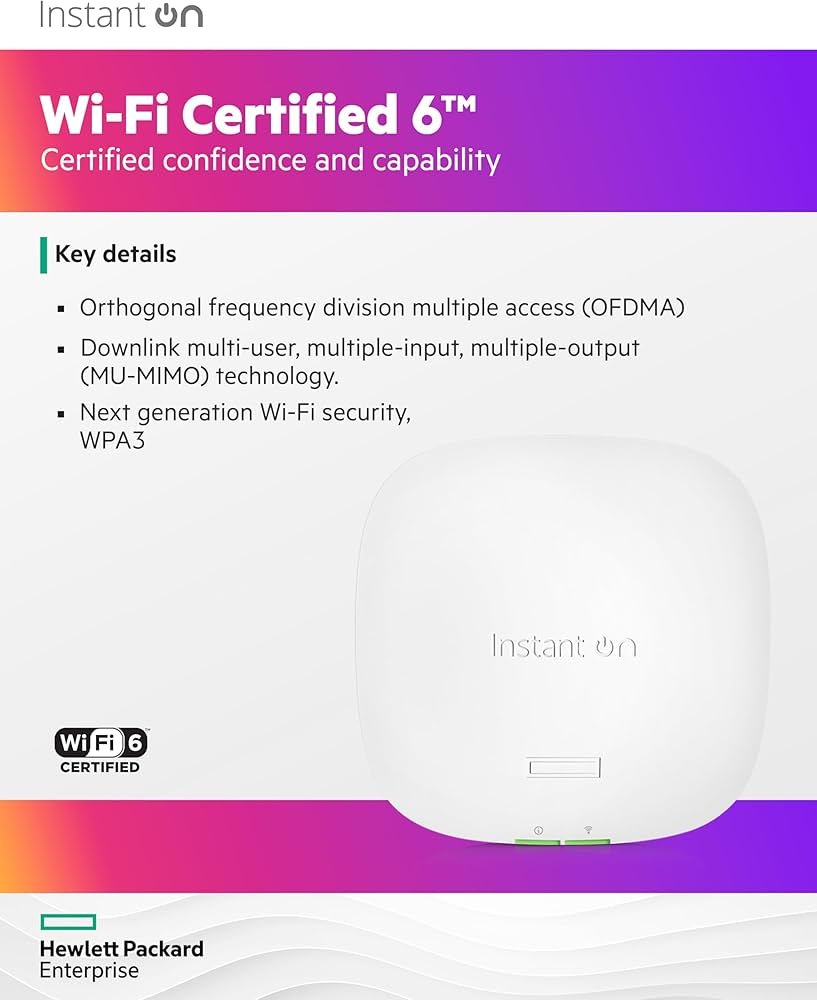
The Aruba AP22 Instant On WiFi 6 Access Point is powered by the IEEE 802.11ax standard, commonly referred to as WiFi 6. This technology is engineered to deliver higher data rates, improved spectral efficiency, and reduced latency in environments where many devices connect simultaneously.
Advanced features such as OFDMA and improved modulation enable the access point to serve multiple clients at the same time, ensuring smooth performance for laptops, smartphones, tablets, printers, and IoT devices commonly found in modern offices.
AX1800 Dual-Band Wireless Performance
The Aruba AP22 Instant On WiFi 6 Access Point delivers AX1800-class performance across 2.4 GHz and 5 GHz frequency bands. Dual-band operation ensures compatibility with older devices while providing higher speeds and lower congestion for WiFi 6-capable clients.
This balanced wireless design helps maintain consistent connectivity and throughput across the coverage area, even during peak usage hours.
Designed for Small Businesses and Offices
The Aruba AP22 Instant On WiFi 6 Access Point is purpose-built for small and medium-sized business environments. It is well suited for offices, co-working spaces, retail outlets, clinics, educational centers, and hospitality locations that depend on stable wireless access for daily operations.
Its sleek, low-profile design allows discreet ceiling or wall mounting, blending easily into professional interiors without visual disruption.
Instant On Cloud-Based Management
One of the defining advantages of the Aruba AP22 Instant On WiFi 6 Access Point is its intuitive cloud-based management platform. Using the Instant On mobile application or web portal, administrators can quickly configure and monitor the wireless network from anywhere.
This cloud-first approach allows easy setup of SSIDs, security policies, guest networks, and usage monitoring without requiring on-premise controllers or complex configurations.
Secure Wireless Networking
Security is a critical requirement for business WiFi networks. The Aruba AP22 Instant On WiFi 6 Access Point includes built-in security features that help protect wireless traffic and connected devices.
It supports modern encryption standards and provides secure authentication mechanisms. Guest access features allow businesses to offer internet connectivity to visitors while keeping internal resources isolated and protected.
Optimized for High Client Density
The Aruba AP22 Instant On WiFi 6 Access Point is optimized for environments with multiple active users and devices. Whether deployed in a busy office, a retail store during peak hours, or a training facility, it maintains stable performance and low latency.
This makes it suitable for bandwidth-sensitive applications such as video conferencing, cloud collaboration platforms, and real-time communication tools.
Simple Installation and PoE Support
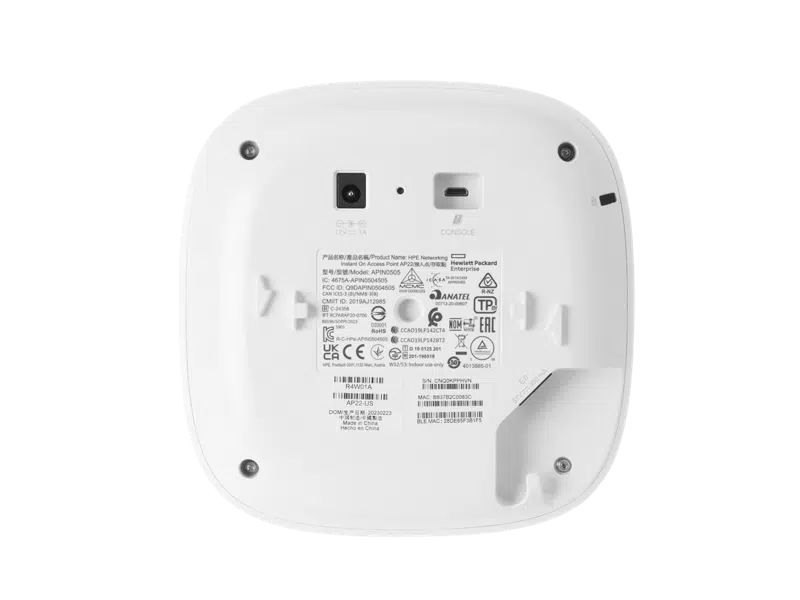
Installation of the Aruba AP22 Instant On WiFi 6 Access Point is straightforward. The device supports Power over Ethernet, allowing it to be powered directly through a network cable. This reduces installation complexity and minimizes cable clutter.
Once connected, the access point can be onboarded through the Instant On app within minutes, enabling rapid deployment even across multiple locations.
Integration with Aruba Networking Ecosystem
The Aruba AP22 Instant On WiFi 6 Access Point integrates seamlessly with other
Aruba enterprise networking solutions
. Businesses can pair it with Aruba Instant On switches and gateways to build a unified, scalable network infrastructure.
This ecosystem approach simplifies network expansion and ensures consistent management and performance across wired and wireless components.
Ideal Use Cases
The Aruba AP22 Instant On WiFi 6 Access Point is ideal for small to mid-sized offices, retail environments, hospitality venues, healthcare clinics, and educational institutions. It supports everyday business activities such as cloud access, online transactions, digital collaboration, and customer engagement.
Organizations upgrading from older WiFi standards can significantly improve network efficiency and user experience by deploying this access point.
Reliability and Long-Term Value
Built with enterprise-quality hardware and supported by Aruba’s networking expertise, the Aruba AP22 Instant On WiFi 6 Access Point delivers reliable operation and long-term value. Cloud-based updates help ensure continued security and feature enhancements.
This makes it a dependable wireless solution for businesses seeking performance and simplicity without unnecessary complexity.
Best Practices for Deployment
For best results, position the Aruba AP22 Instant On WiFi 6 Access Point centrally within the intended coverage area and avoid physical obstructions. Proper channel planning and SSID configuration help maximize throughput and minimize interference.
Monitoring client usage through the Instant On dashboard allows businesses to plan capacity and scale the network as requirements grow.
Conclusion
The Aruba AP22 Instant On WiFi 6 Access Point provides fast, secure, and cloud-managed wireless connectivity tailored for modern business environments. With WiFi 6 performance, simple management, and seamless integration into the Aruba ecosystem, it is an excellent choice for organizations looking to upgrade their wireless infrastructure.
Specifications and features may vary depending on regional availability and firmware versions. Always verify deployment requirements before installation.

 Fast Air Cargo delivery

Reviews
Clear filtersThere are no reviews yet.